
Campaign analytics
What this is
See how a campaign performed across all its links: total clicks, per-link breakdown, and channel share options.
Before you start
- You have at least one link tagged with a campaign name.
Steps
- Open Campaigns from the sidebar.
- Click a campaign name.
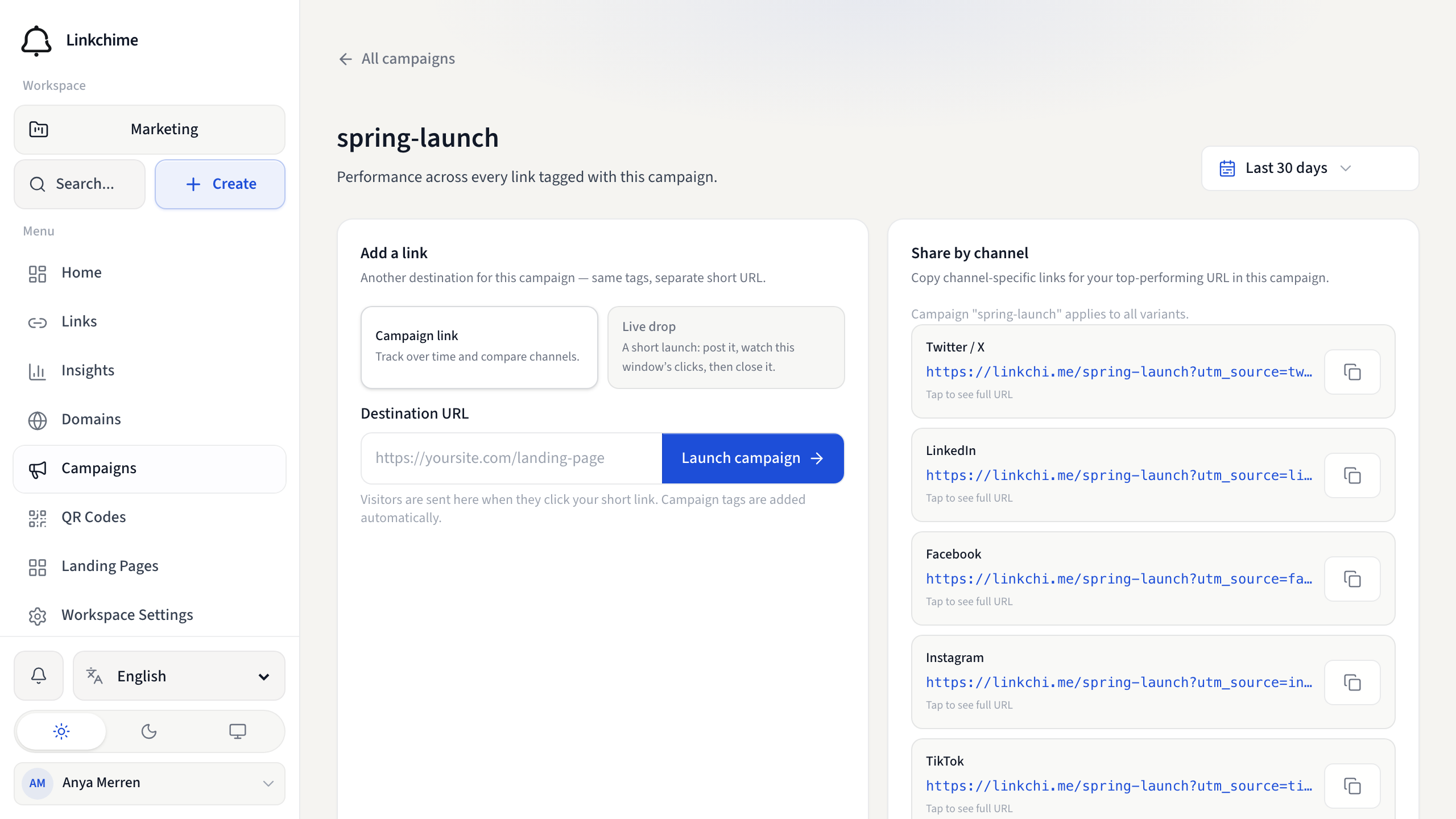
- On the campaign detail page, review:
- Total clicks across all links in the campaign
- Links in this campaign — individual links and their click counts
- Share by channel — channel links for the top-performing URL
- Click View link on any link to see its full insights.
- Click Manage all links to open the Links page filtered by this campaign.
What happens next
Use campaign data to compare marketing efforts and optimize underperforming channels.
Tips
- Search campaigns by name using the search box on the Campaigns page.
- Pair with the Acquisition tab in Insights for workspace-wide campaign data.
Related pages
Ready to try it?
Create a free account and put these guides to work on your next campaign.