
Conversions tab
What this is
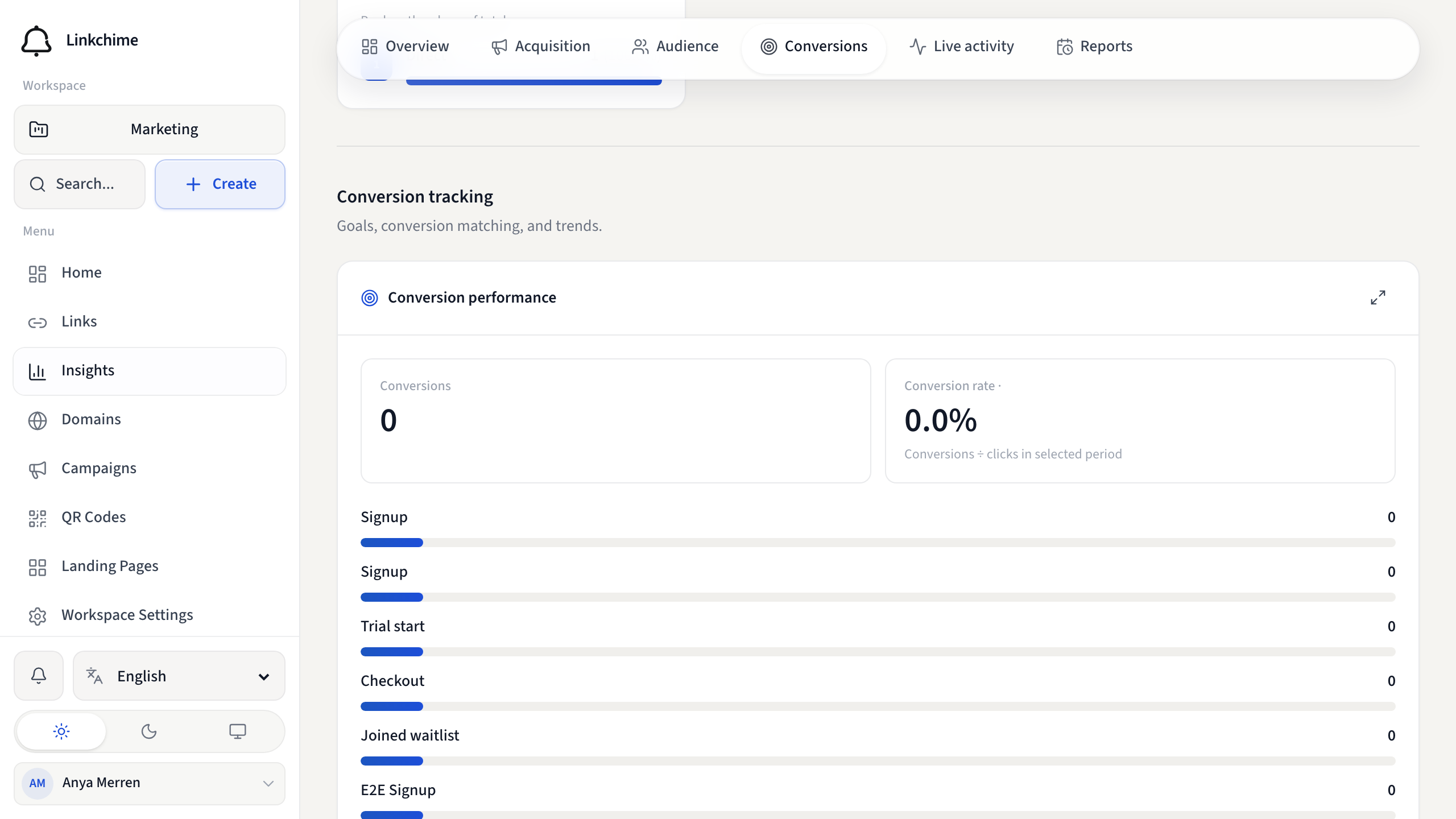
The Conversions tab tracks goals, conversion rates, funnels, event logs, and customer journeys.
Before you start
- Conversion goals must be set up on individual links — see Conversion goals.
Steps
- Open Insights.
- Click the Conversions tab.
- Explore these sections:
- Conversion performance — goals, rates, and trends
- Click to conversion — funnel from click to conversion
- Conversions by channel — which channels drive conversions
- Conversion trend — conversions over time
- Event log — individual tracking events (filter by type, export CSV)
- Customer journey — search by visitor or click ID to see event sequence
- Conversion funnel — build multi-stage funnels and see drop-off
Set up a conversion funnel
- In the Conversion funnel section, enter a Funnel name.
- Add stages with event types and optional event names.
- Choose to count unique visitors or unique clicks.
- Click Save funnel.
What happens next
Conversions appear as visitors complete actions on pages with your tracking pixels.
Tips
- Conversion goals are per-link — set them up on your top-performing links first.
- Use the event log to debug tracking issues.
Related pages
Ready to try it?
Create a free account and put these guides to work on your next campaign.