
Overview tab
What this is
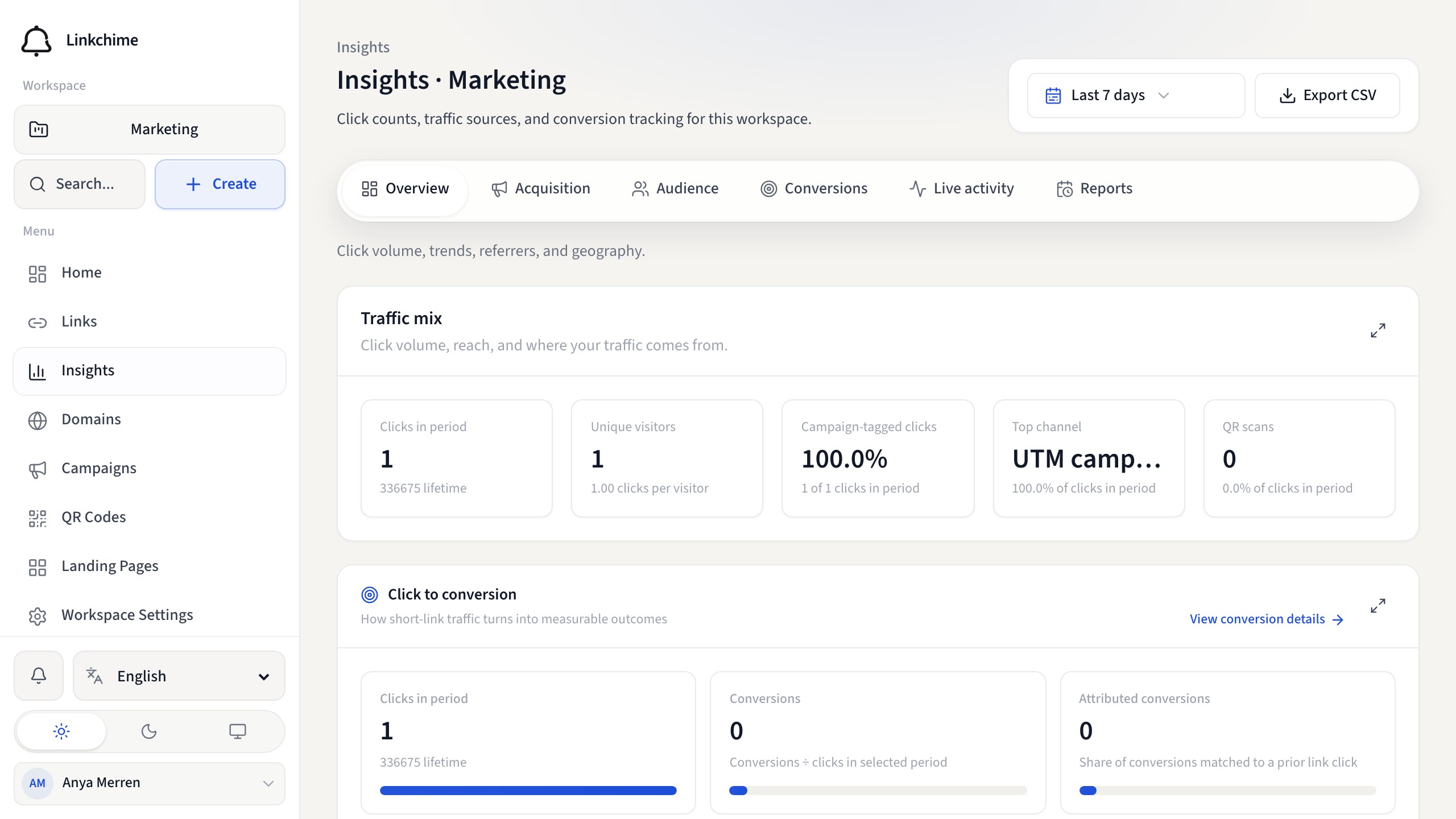
The Overview tab gives a high-level picture of your workspace: click trends, top links, traffic mix, and engagement pulse.
Before you start
- Analytics must be enabled on your plan.
- You're on Insights.
Steps
- Open Insights from the sidebar.
- Make sure the Overview tab is selected.
- Review the key sections:
- Click trend — daily clicks over your selected period
- Top performing links — links with the most clicks
- Traffic mix — breakdown by channel type (direct, social, email, QR, etc.)
- Engagement pulse — live click pace and recent activity summary
- Key metrics — clicks, unique visitors, and conversion summary
- Weekly Pulse — an automatic summary of what moved in this period (Pro, when AI is enabled). Act on this opens the assistant with a follow-up prompt.
What happens next
Use other tabs to dig deeper into acquisition, audience, or conversions.
Tips
- If you see "No clicks in this period," share your links and check back.
- Click a top link to open its per-link insights.
Related pages
Ready to try it?
Create a free account and put these guides to work on your next campaign.