
Audience tab
What this is
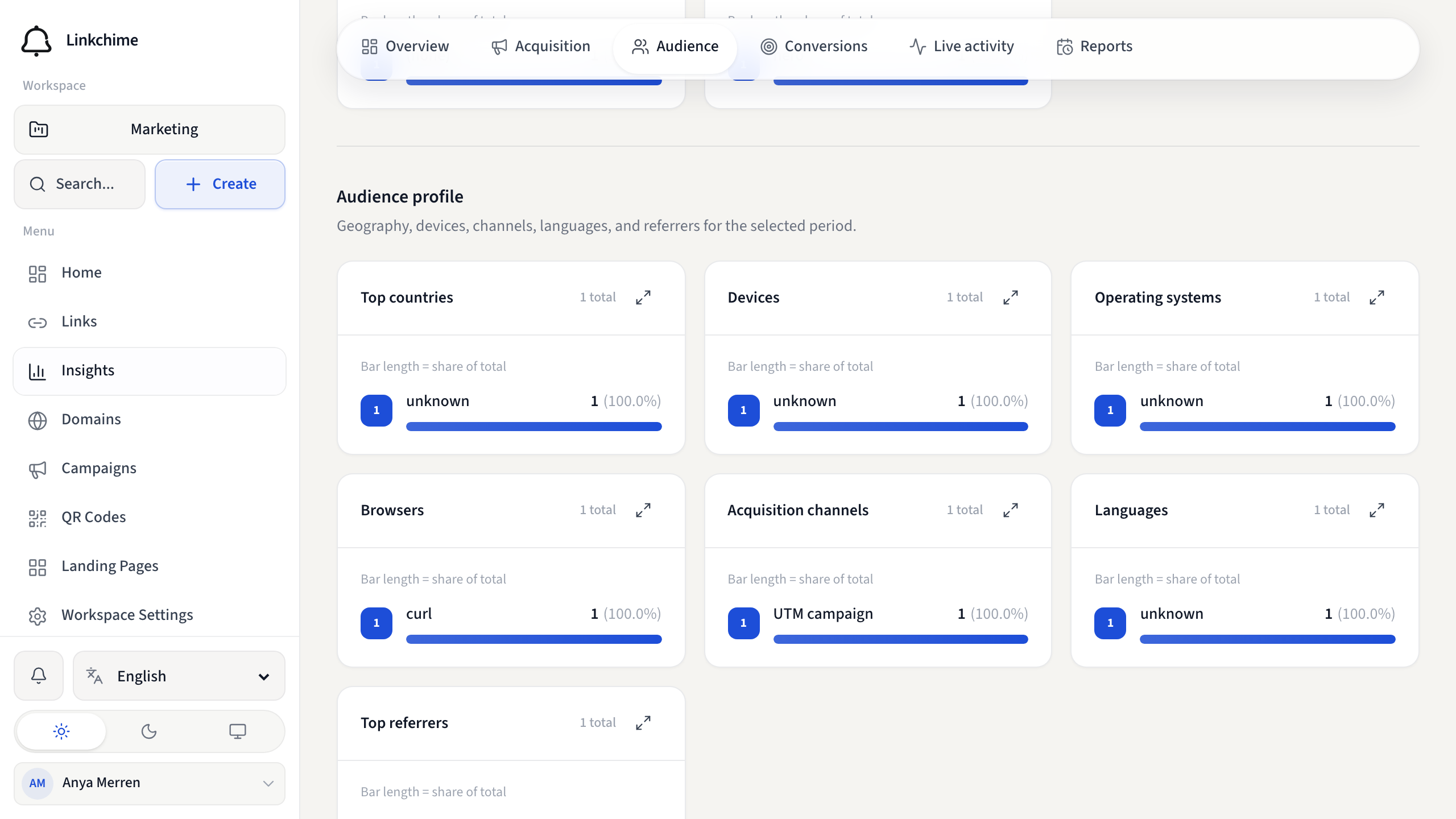
The Audience tab shows who clicked your links: geography, devices, channels, languages, and referrers.
Before you start
- You need clicks in the selected period for data to appear.
Steps
- Open Insights.
- Click the Audience tab.
- Review:
- Top countries and Regions — where visitors are located
- Devices — mobile, tablet, desktop
- Operating systems and Browsers
- Acquisition channels — how traffic arrived
- Languages — browser language preferences
- Top referrers — websites that sent visitors
What happens next
Use audience data to tailor content, routing rules, or campaign targeting.
Tips
- Pair with Dynamic routing to send visitors to localized pages.
- "Direct / unknown" means no referrer was detected.
Related pages
Ready to try it?
Create a free account and put these guides to work on your next campaign.