
Per-link insights
What this is
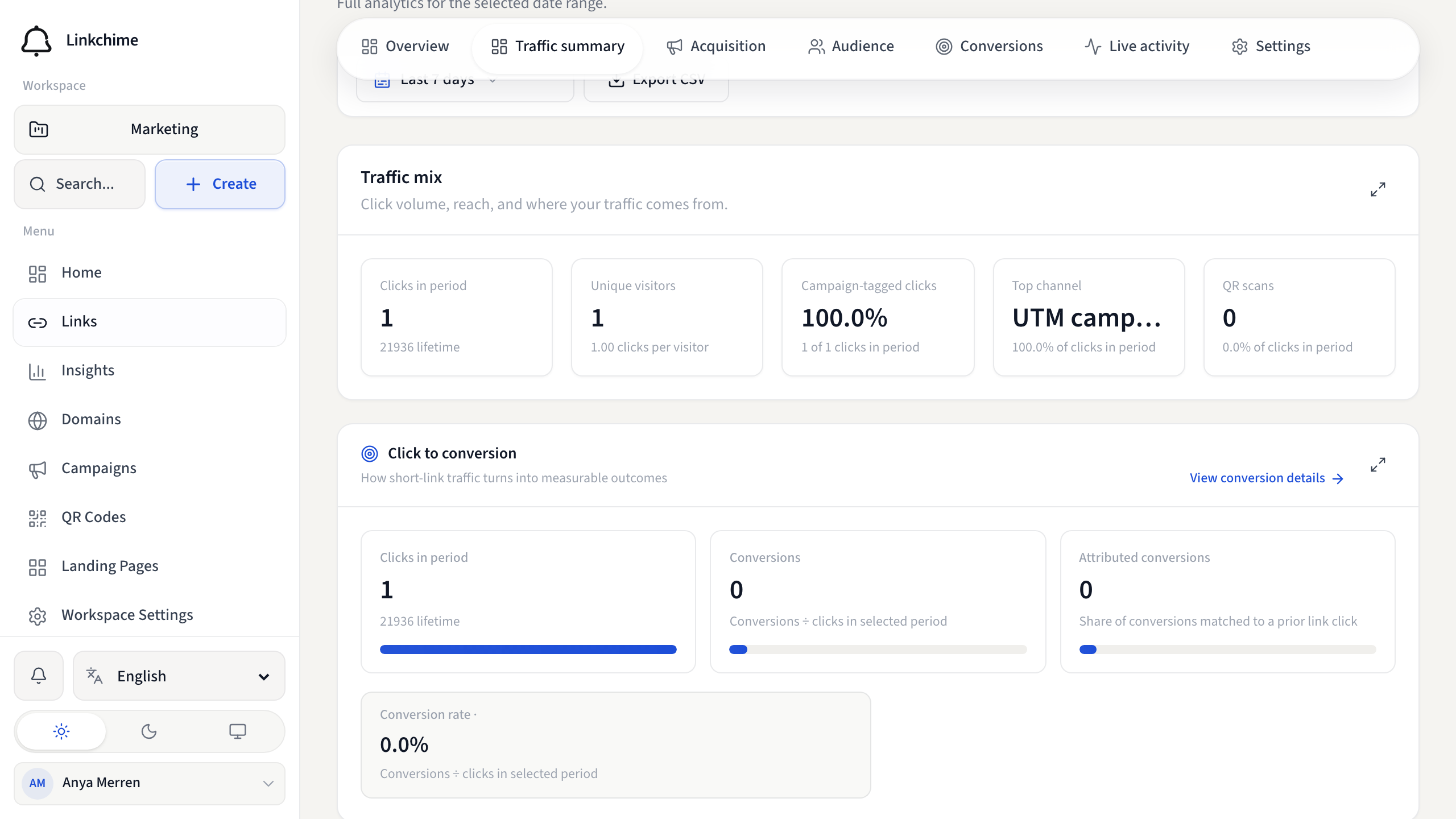
Every link has its own Insights tab with the same analytics views as workspace Insights, scoped to that single link.
Before you start
- You have at least one link with clicks (or you're setting up tracking).
Steps
- Open Links and click a link.
- Click the Insights tab.
- Set the date range at the top.
- Browse sections:
- Volume — clicks, unique visitors, trends
- Live — real-time activity for this link
- Breakdowns — referrers, countries, devices, UTM data
- Conversions — goals and conversion tracking for this link
- Click Export CSV to download data (if available on your plan).
What happens next
Use per-link insights to optimize individual campaigns, landing pages, or A/B tests.
Tips
- Set up conversion goals directly from this tab.
- The Overview tab on the link detail page shows a quick performance snapshot.
Related pages
Ready to try it?
Create a free account and put these guides to work on your next campaign.