
Create a link
What this is
A short link redirects visitors from a short URL to your destination page. Linkchime tracks clicks automatically.
Before you start
- You're signed in with write access to the workspace.
- You haven't reached your plan's link limit.
Steps
- Open Links from the sidebar.
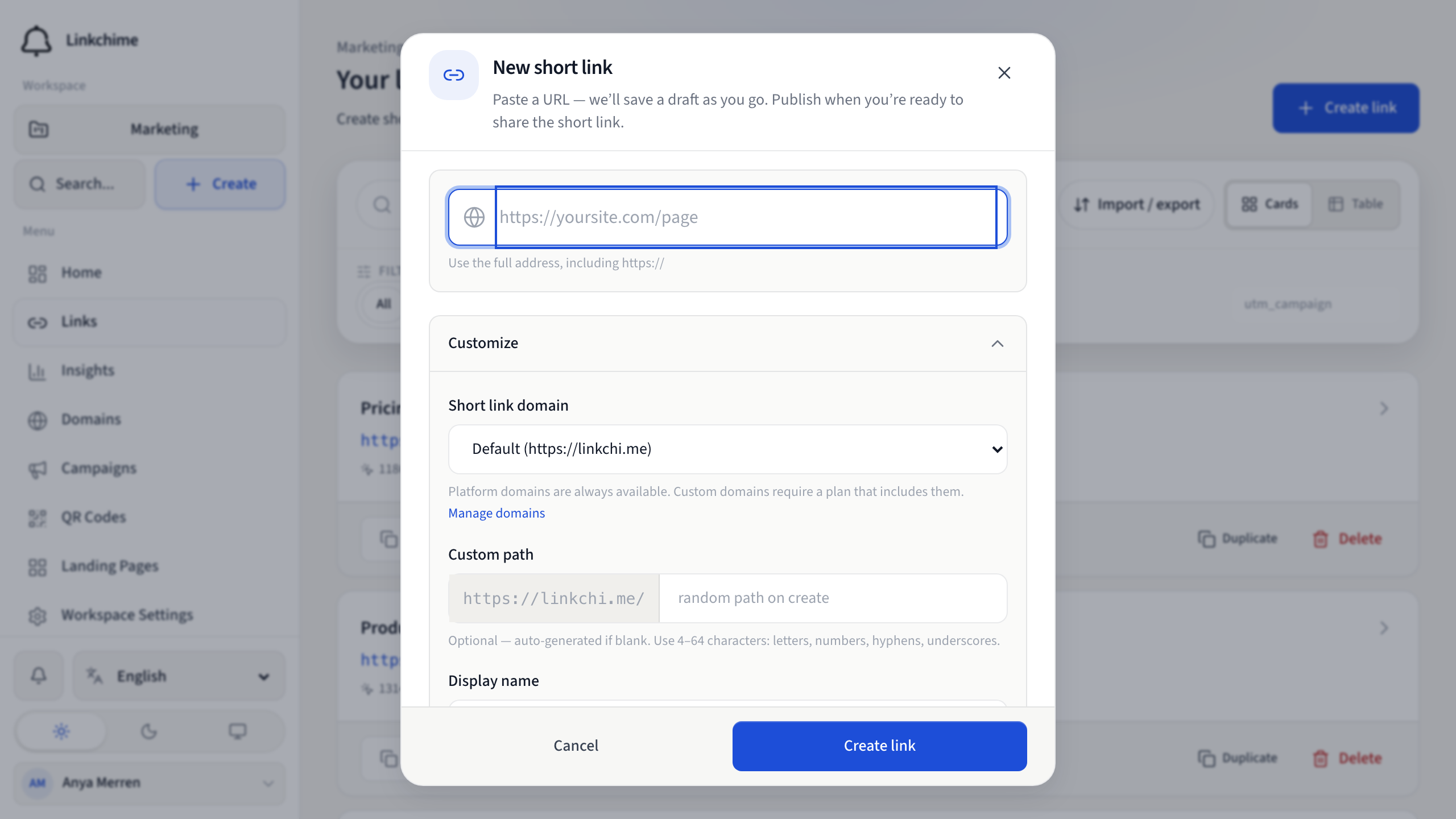
- Click Create link.
- Paste your full destination URL into the URL field (include
https://). If Create with AI is on your plan, apply a suggested slug, title, or UTM chip. - Optionally click Customize path to set a custom short path, display name, UTM tags, or other settings.
- Click Publish link (or Create link if publishing immediately).
What happens next
A Link ready to share dialog appears with your short URL. Copy it, pick a channel link, or click Open link details to continue editing.
Your link is saved as a draft as you type. The short URL is not live until you click Publish link. If you close without publishing, the draft stays in your links list under the Drafts filter.
Tips
- Leave the custom path blank to auto-generate a random short path.
- Use Home → Shorten a link for the fastest one-step creation — see Quick shorten.
- To shorten the page you are already on, use the browser extension.
- For advanced options (password, cloak, split test), see Advanced link features.
Related pages
Ready to try it?
Create a free account and put these guides to work on your next campaign.